How it works
Scan, discover, map — continuously
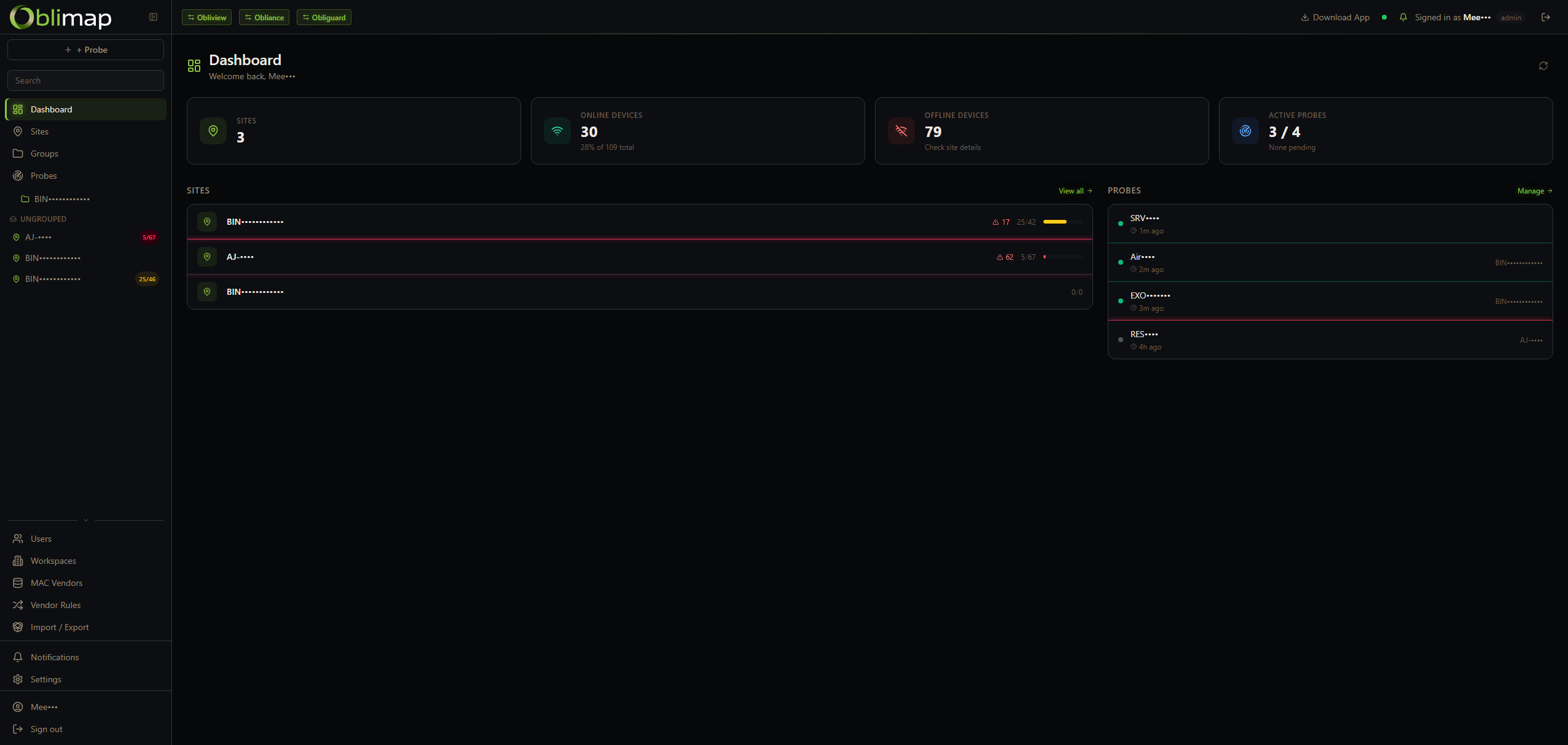
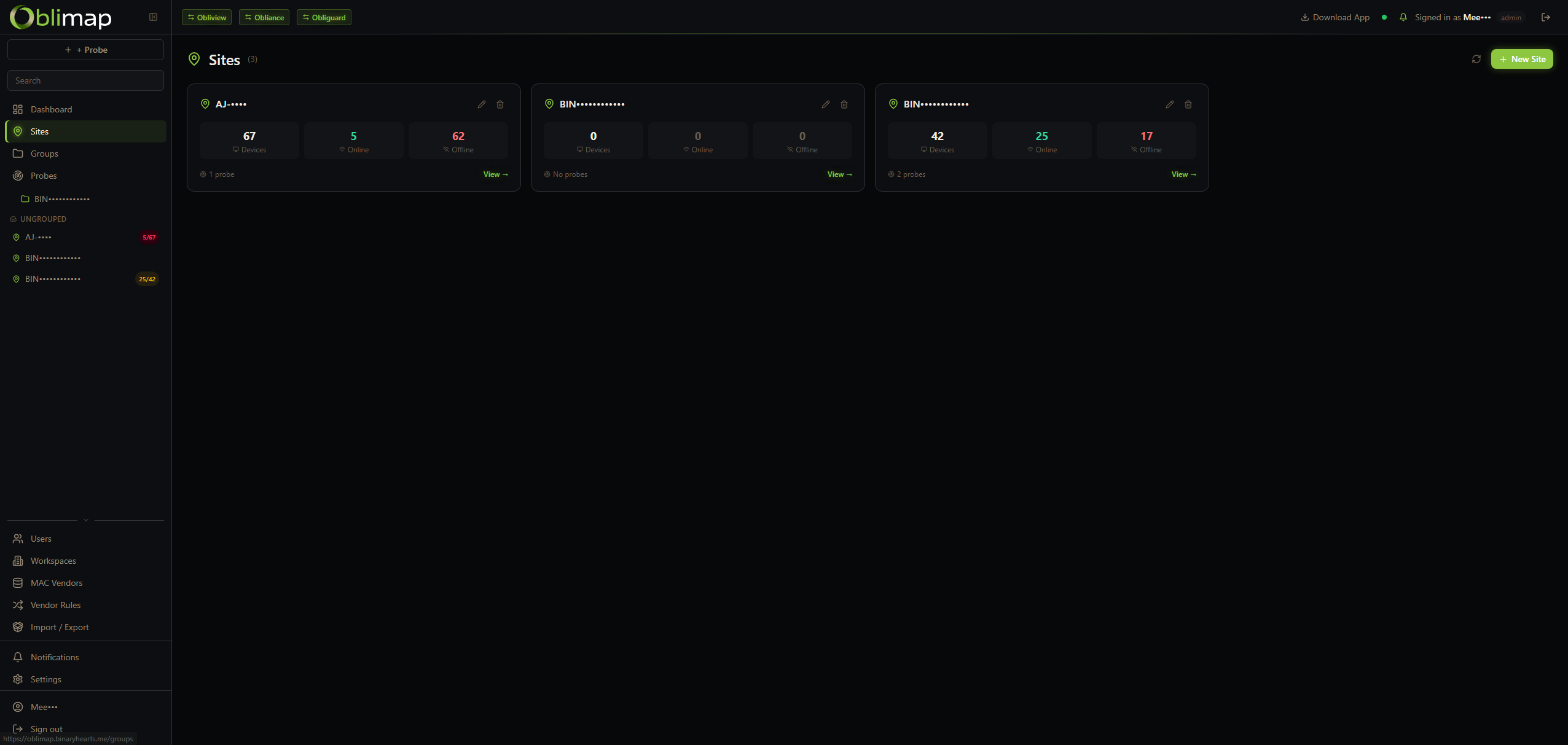
One probe per network site. Probes are push-based — they initiate all communication outbound to the central server, require no inbound ports, and run ARP scans + ping sweeps on a configurable schedule. Devices are scoped to their site and every change is flagged in real time.
Lightweight probe — no agent on hosts
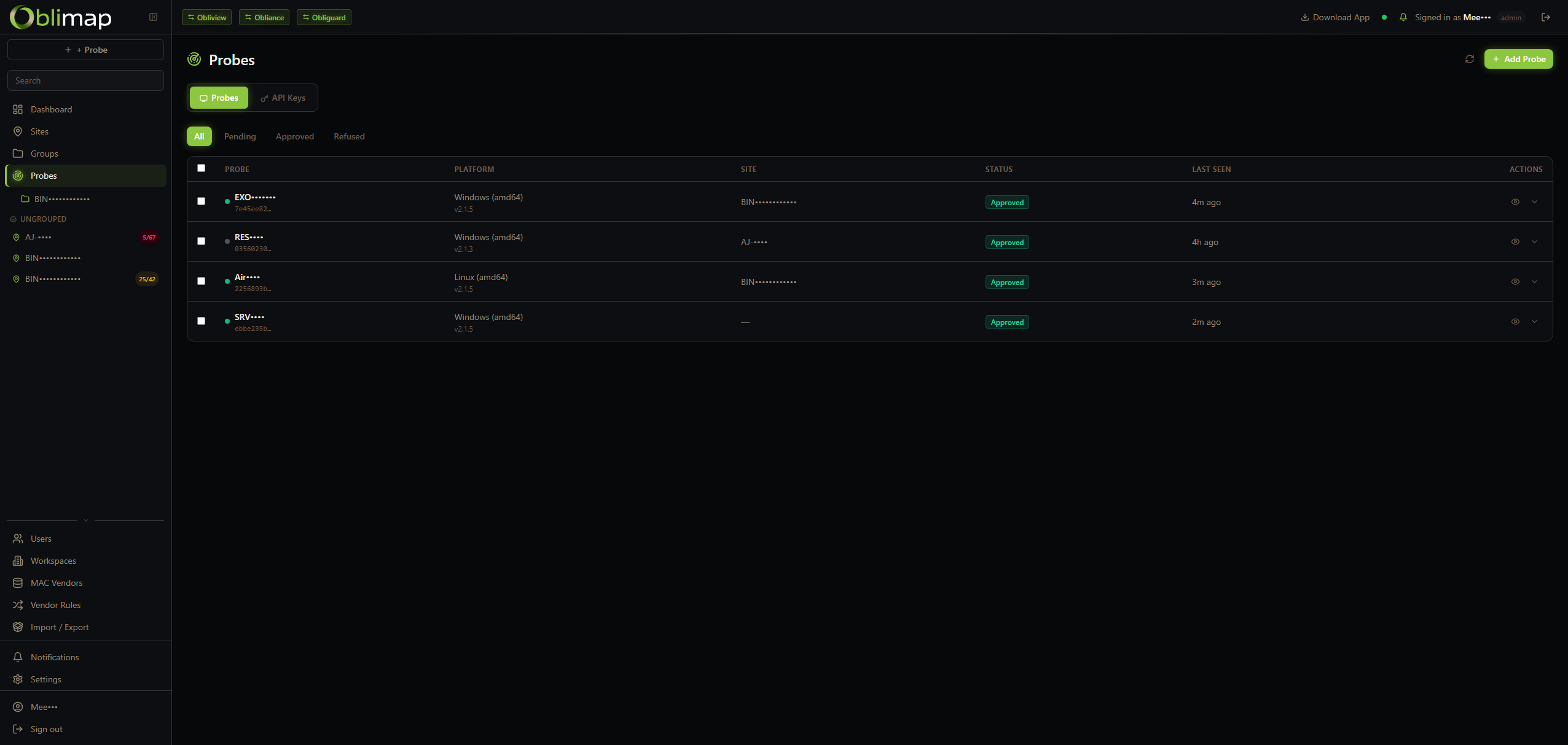
Deploy one probe binary per site on Windows, Linux or macOS. Push-based: the probe initiates all communication outbound — no inbound ports required on the server side. No software to install on monitored devices. Devices are automatically scoped to their site.
Multi-method discovery
ARP scan for local subnet devices, ICMP ping sweep for reachability, mDNS/Bonjour for hostnames. Combines all three for maximum coverage with zero configuration on the target hosts.
Persistent IPAM database
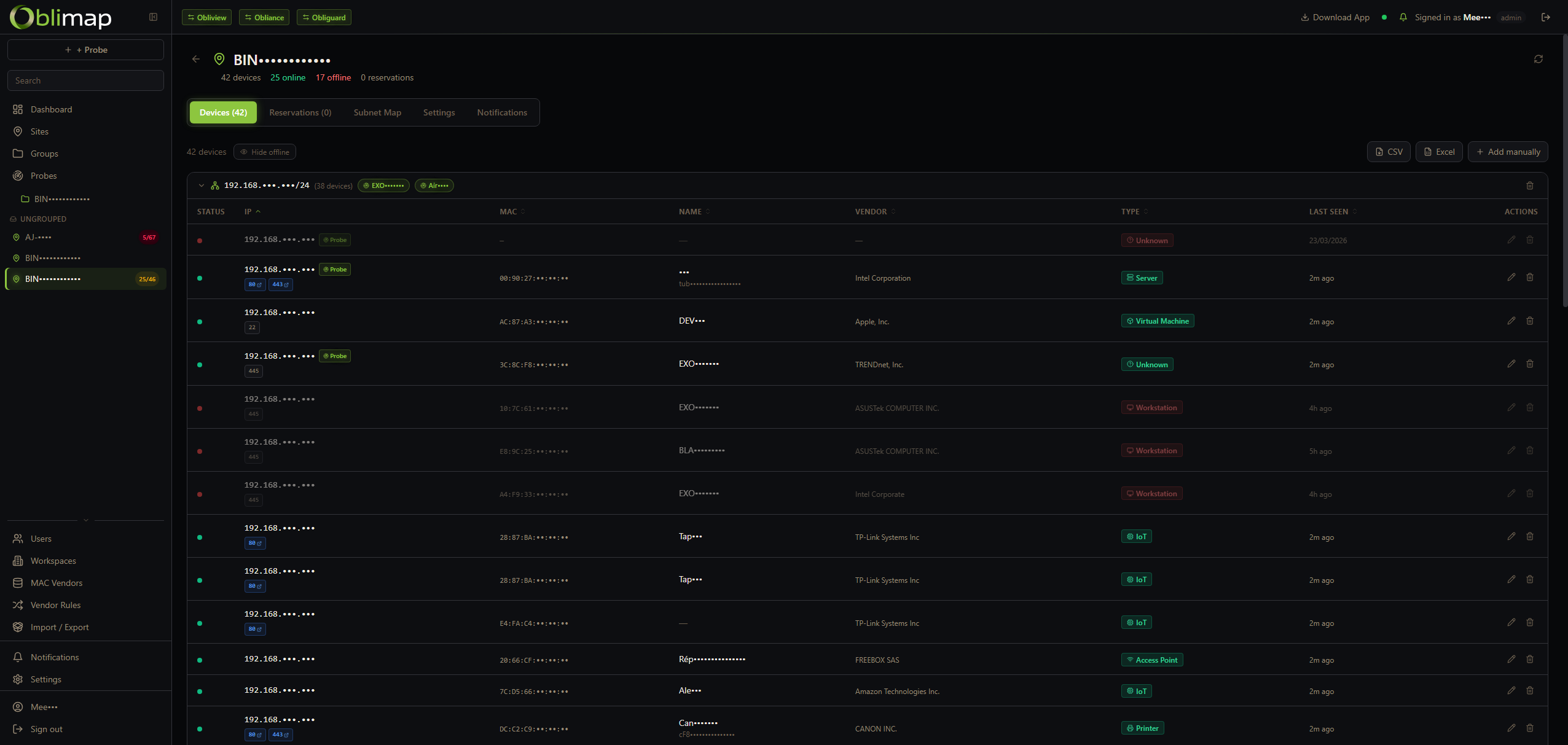
Every discovered IP and MAC address is stored with its first-seen and last-seen timestamps. Historical data stays intact — you can trace when any device appeared or left the network.
Device renaming & labelling
Assign a meaningful name to any device directly in the IPAM. Labels and custom names persist across scans — an IP may change, but your name for the device stays in the record.
Change detection & alerts
New device on the network? A MAC address moved to a different IP? A device went silent? Oblimap spots it and raises an alert — keeping you informed of every topology change.
MAC vendor lookup & type rules
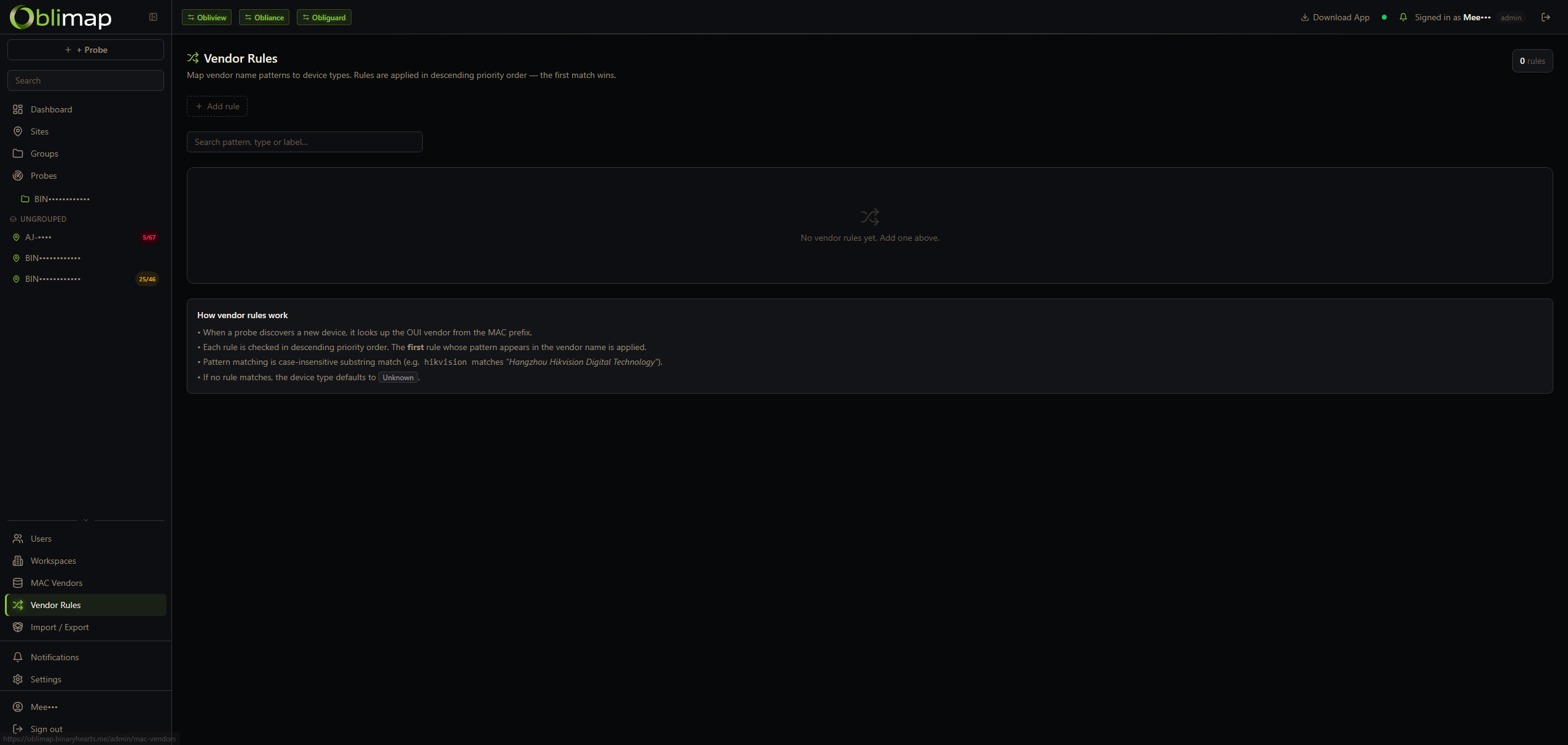
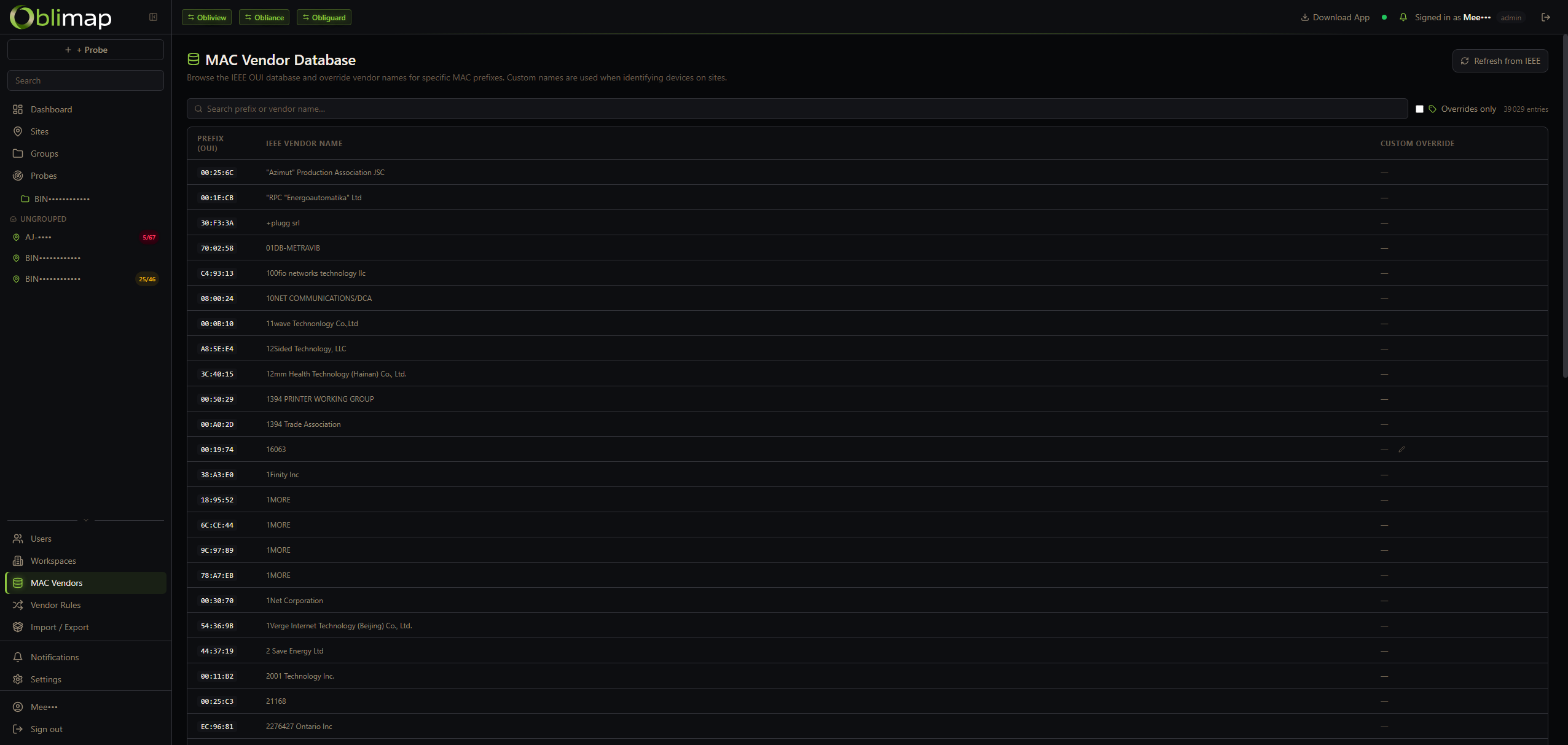
MAC addresses are resolved to their manufacturer via the OUI database. On top of that, custom vendor-type rules map vendor name patterns to a device type and label — so Cisco MACs become "Router", Raspberry Pi becomes "SBC", etc. — automatically, without logging into anything.
IP takeover detection
When a new MAC address claims an IP already known under a different MAC, Oblimap fires an alert immediately. The old device record is preserved with its full history; a new device entry is created for the incoming MAC — no data is lost.
IP instability detection
If 3 or more distinct MAC addresses claim the same IP within a 30-minute window, a LiveAlert warning is raised. Catches DHCP conflicts, ARP spoofing attempts and misconfigured static IPs before they cause outages.
Subnet heatmap
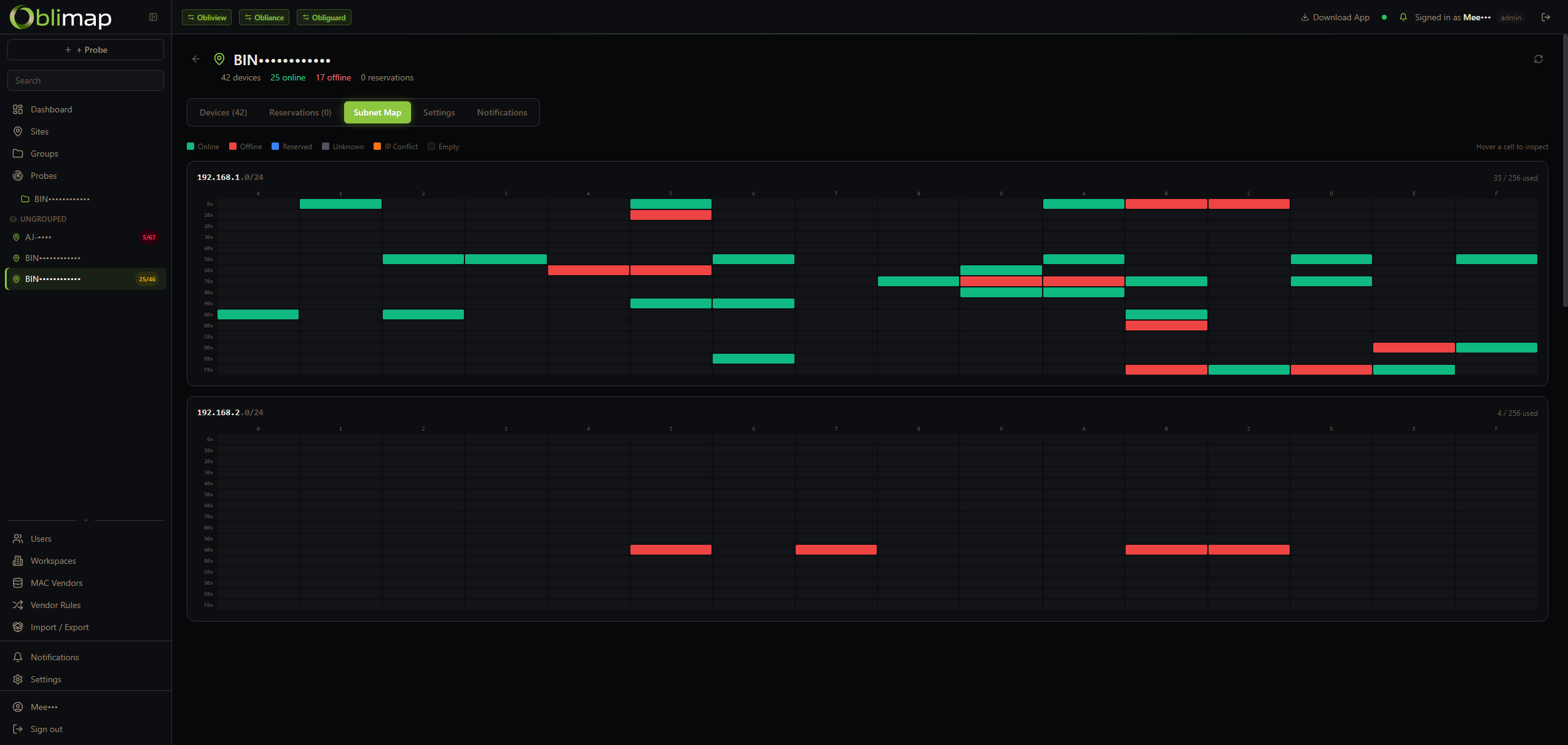
A visual /24 occupancy map showing every IP slot in a subnet at a glance — used IPs, reserved IPs and free slots are colour-coded by device type. Instantly spot saturation, fragmentation and gaps in your address space.
IP reservations
Admins can reserve an IP address before a device ever appears on the network. Reserved slots are visible in the IPAM and the subnet heatmap, preventing accidental reuse and documenting planned allocations.